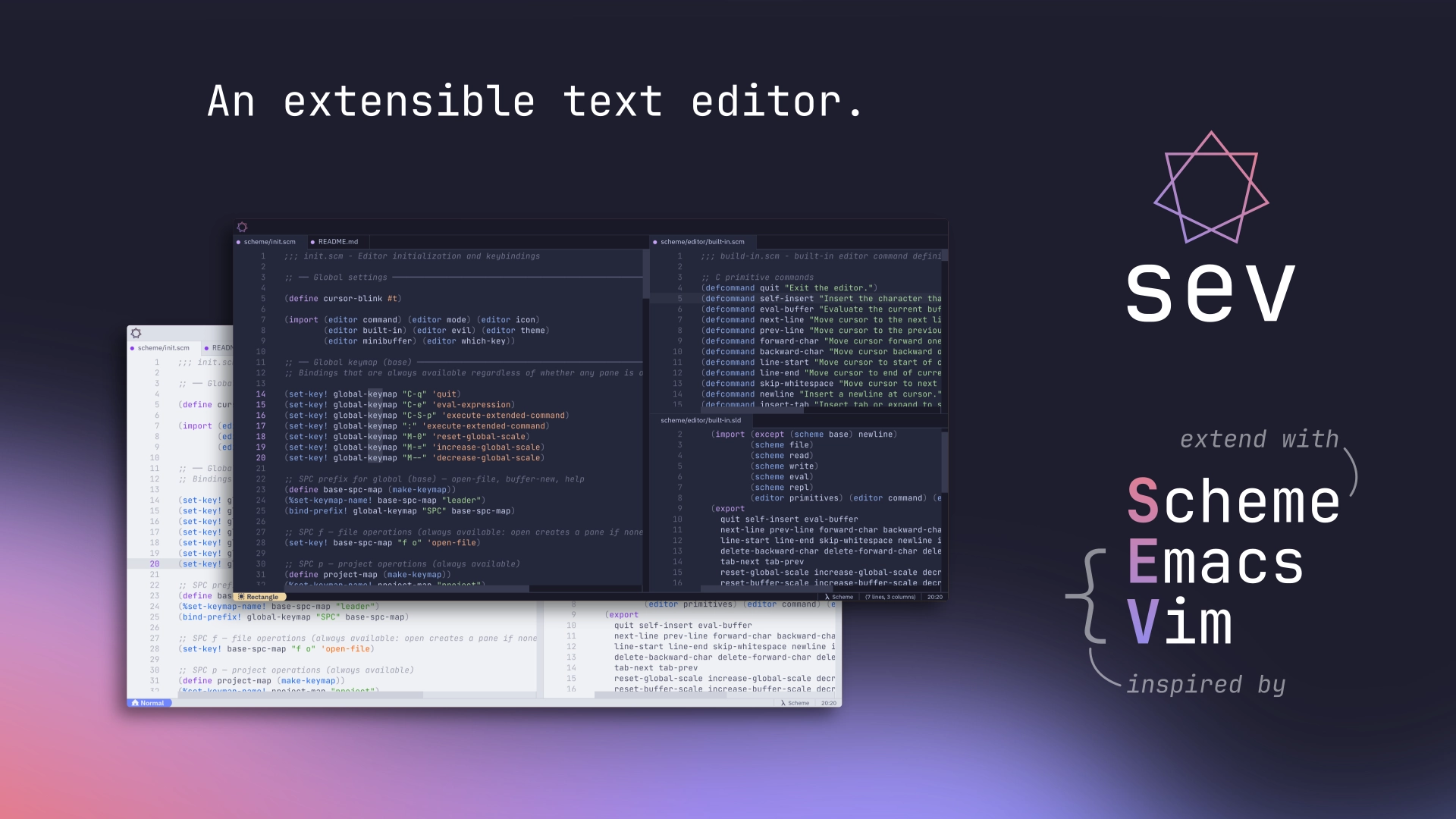
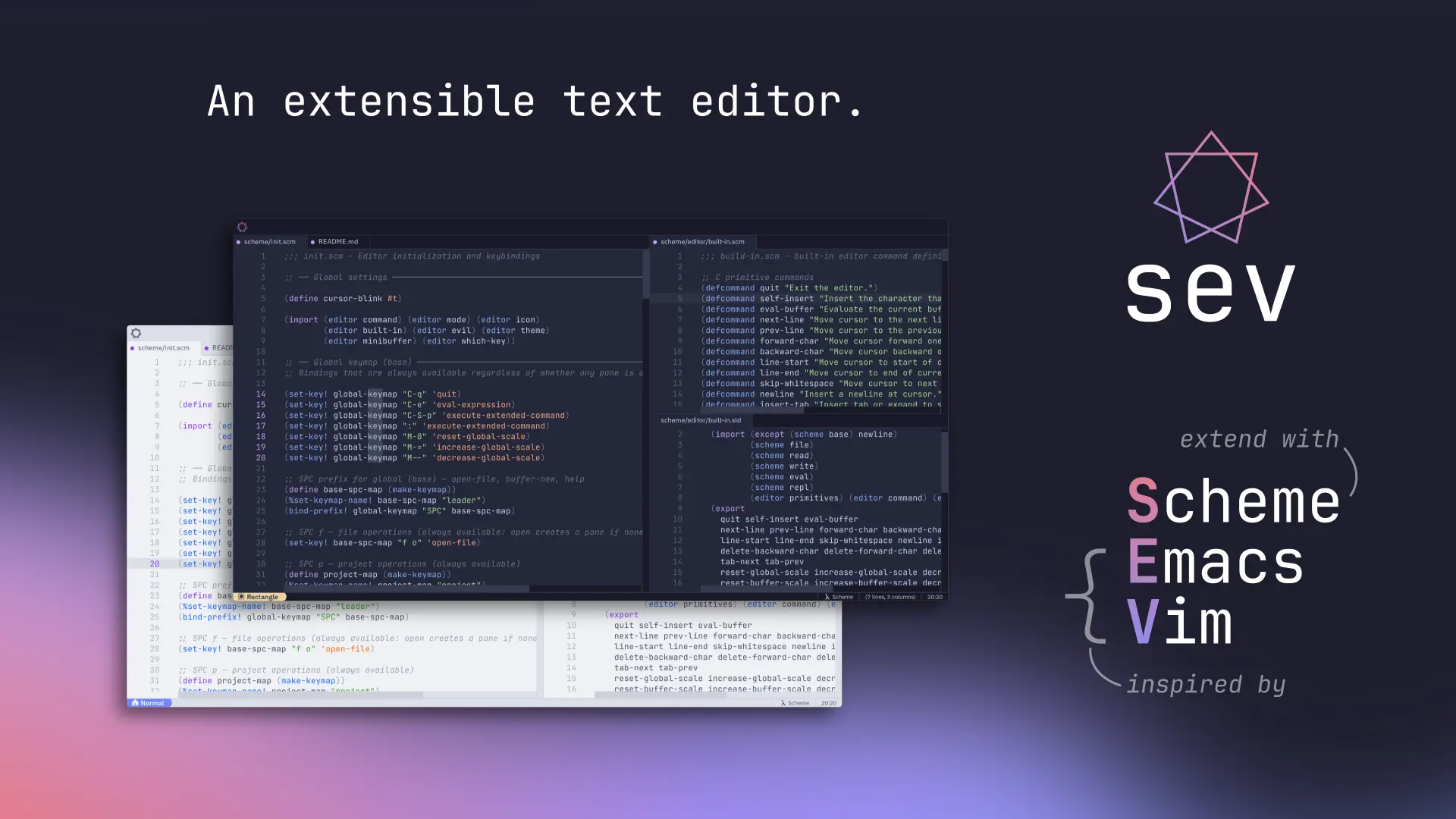
Continuing my journey with Sev
Two months ago I wrote a post about Sev, the graphical text editor I’ve been building. A lot of exciting changes have happened since then, and I thought I’d show them off here!
Project Website
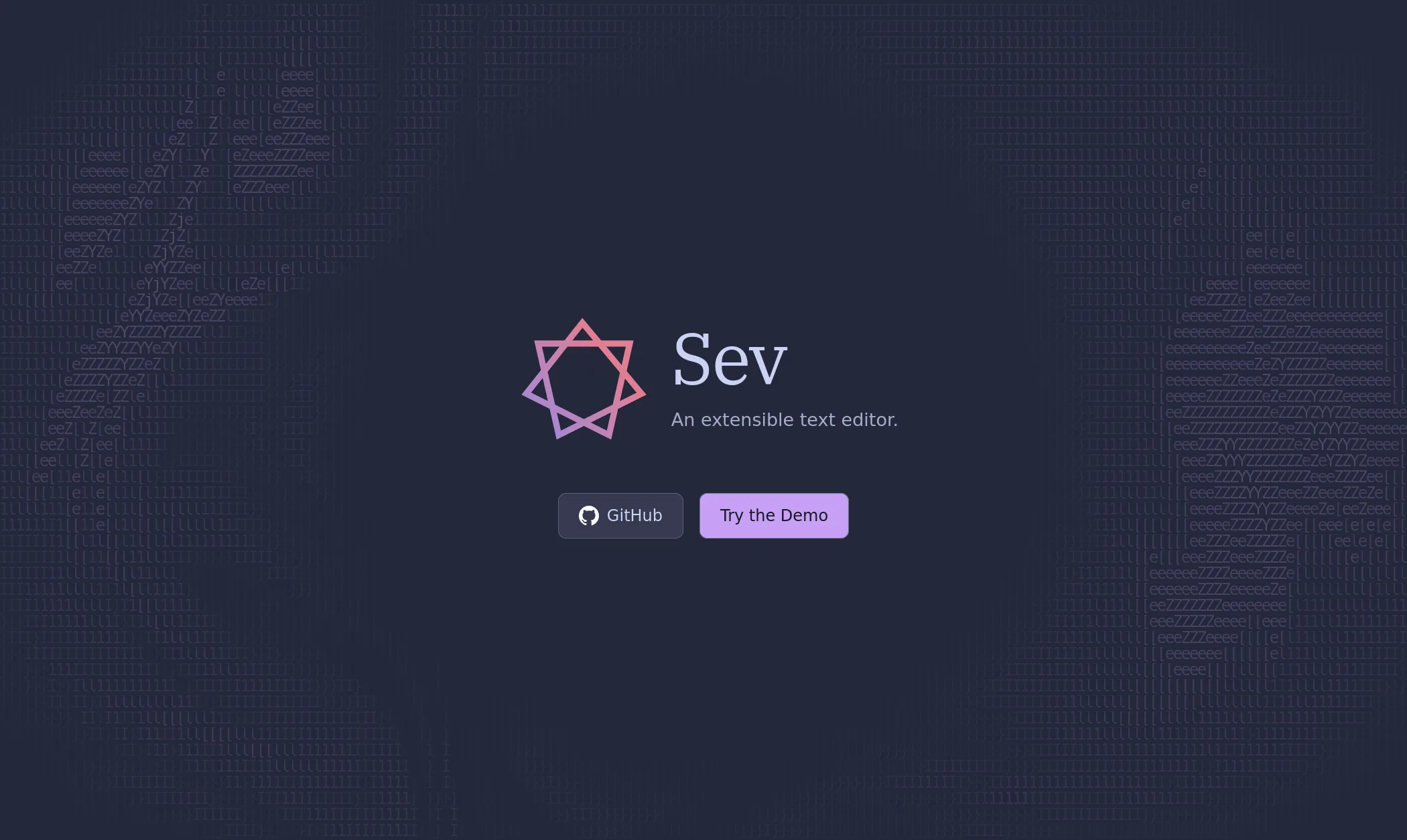
Sev now has a dedicated website. It’s pretty sparse right now aside from the hero section (which I’m pretty proud of: it combines a sinusoidal warping shader with an ACSII shader to create a super cool rippling text effect), but I’ll be adding more to it soon enough!
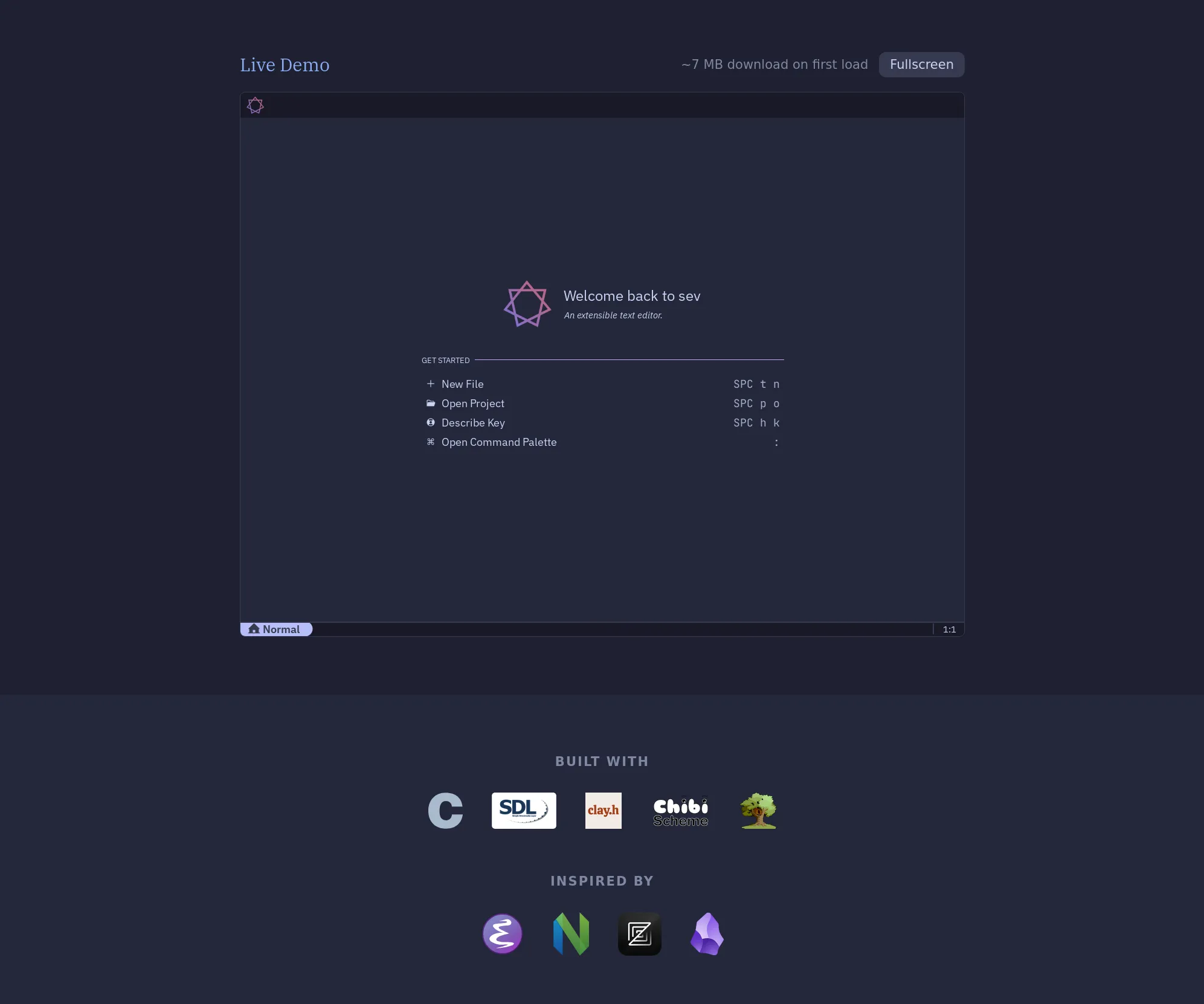
There’s also a live WebAssembly demo of the application:
Welcome Screen
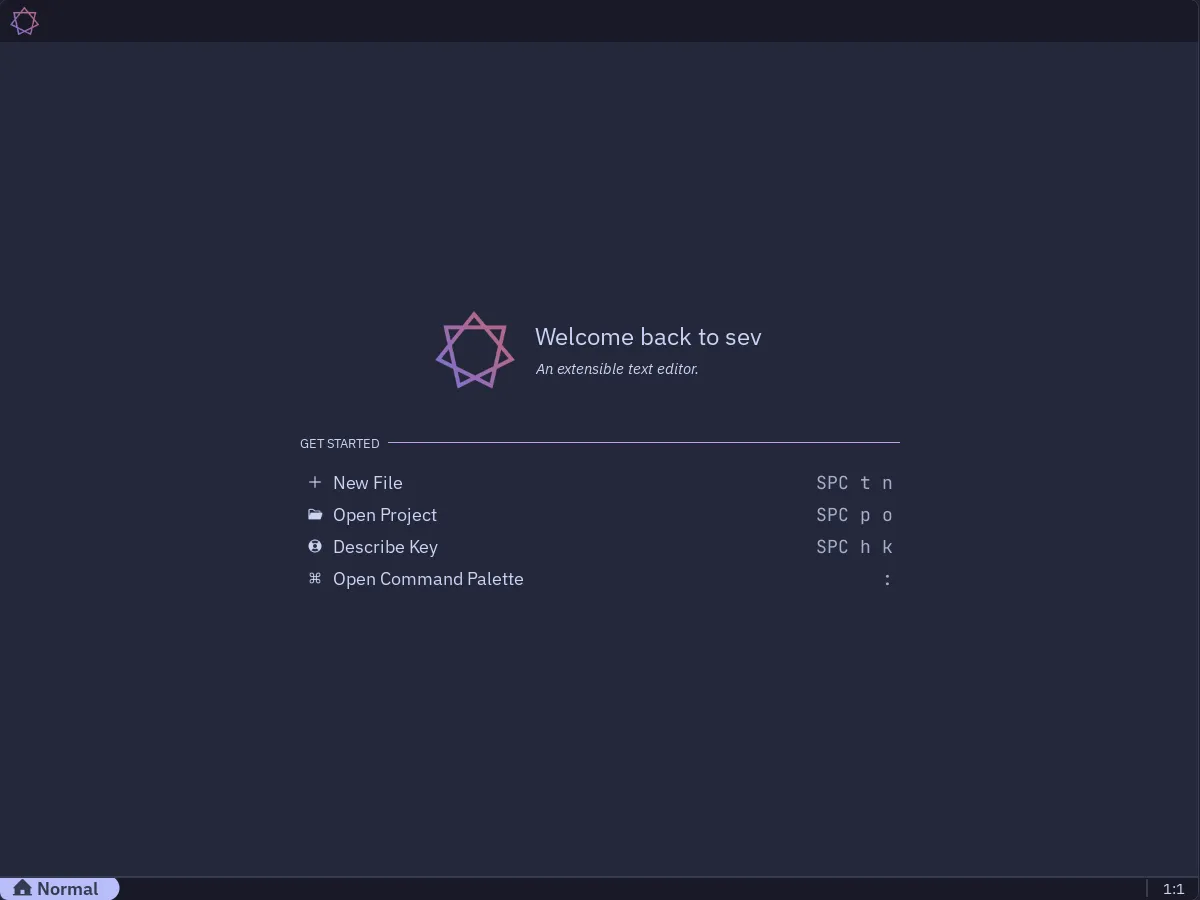
The first change you’ll notice starting the application is the welcome screen has been much improved. Shamelessly modelled after Zed and VS Code’s, it displays some keybinding hints and a list of recently opened projects, should any exist (the notion of currently open projects is also new, although currently it does little more than change the working directory). Bindings are dynamically displayed, so if the user remaps them the welcome screen stays in sync.
Tree-sitter / Syntax Highlighting
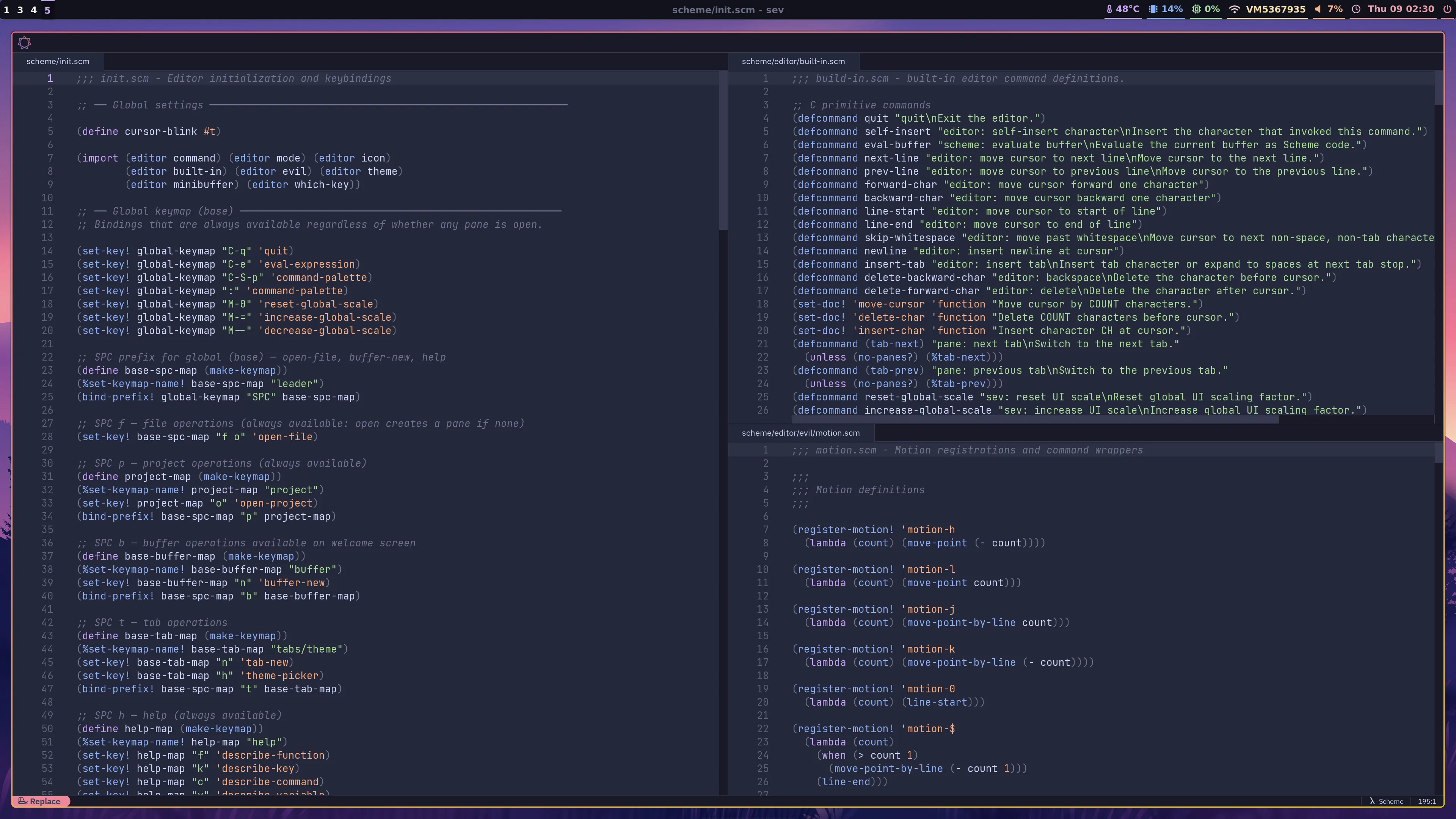
Sev can now render text with syntax highlighting powered by tree-sitter. Currently only Scheme is integrated, but I have plans to add other languages soon!
I also inverted the tabs / panes display model. Up until recently, I’d been treating panes and tabs kind of like tmux, where a tab is a view into a specific division of the screen into panes. But the way most modern editors work, and the far more logical way to organise things, is with panes owning tabs, not tabs owning panes. Users divide the screen into panes, and each pane has its own tab bar.
Completions / Command Palette
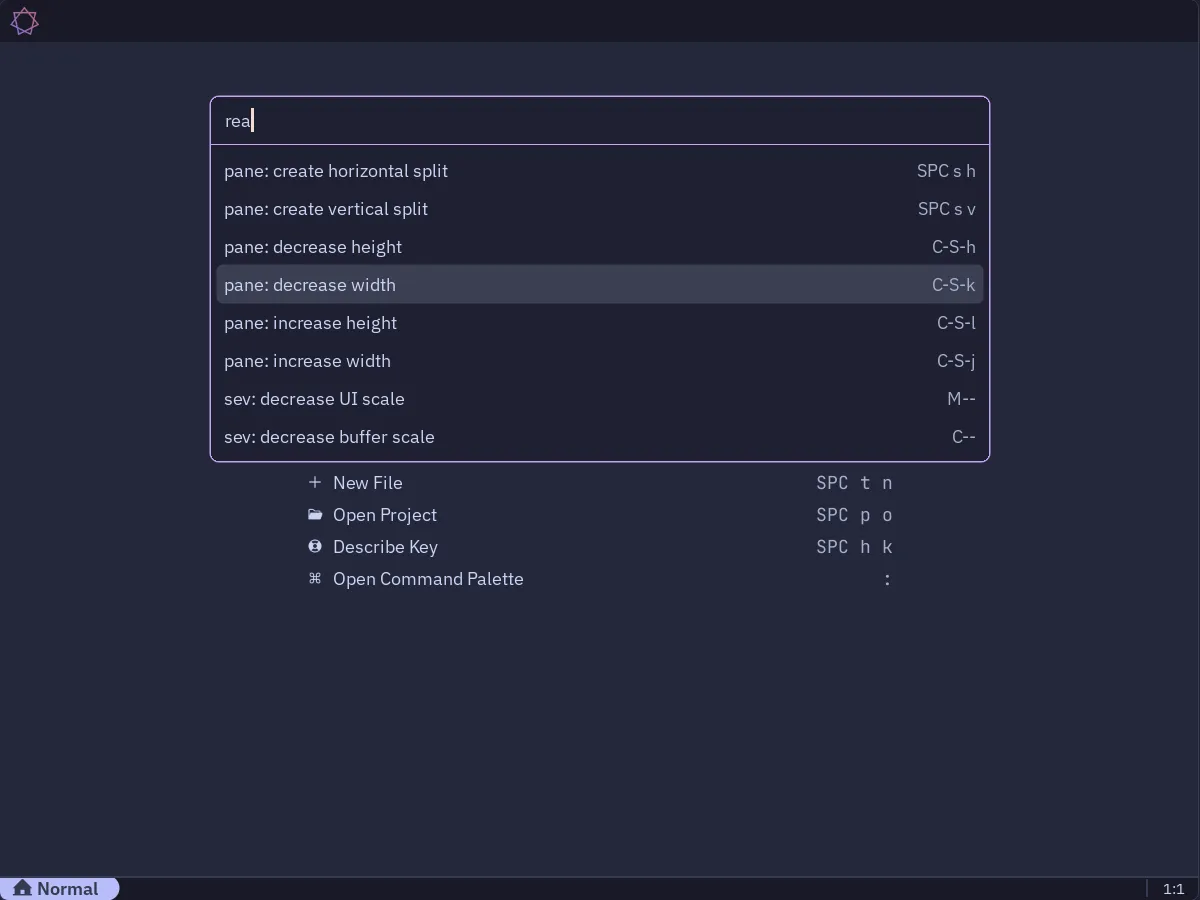
This is probably the most profound change. I did away with the Emacs style combined minibuffer and message/echo area in favour of a modern floating command palette. The message area has been collapsed into the status bar, so there is only a single thin strip at the bottom of the application now.
I also built out a completions framework, which is used by the command palette, theme picker, and define-command, define-function and define-variable helpers for querying the environment. Currently it works on a basis of simply filtering lists for exact matches, but fuzzy matching using a score-based system is planned for the future.
The command palette matches against the first line of command documentation strings rather than their symbol names, allowing for rich descriptions when the user is searching for commands, and commands with existing keybindings show them alongside.
Theme Picker
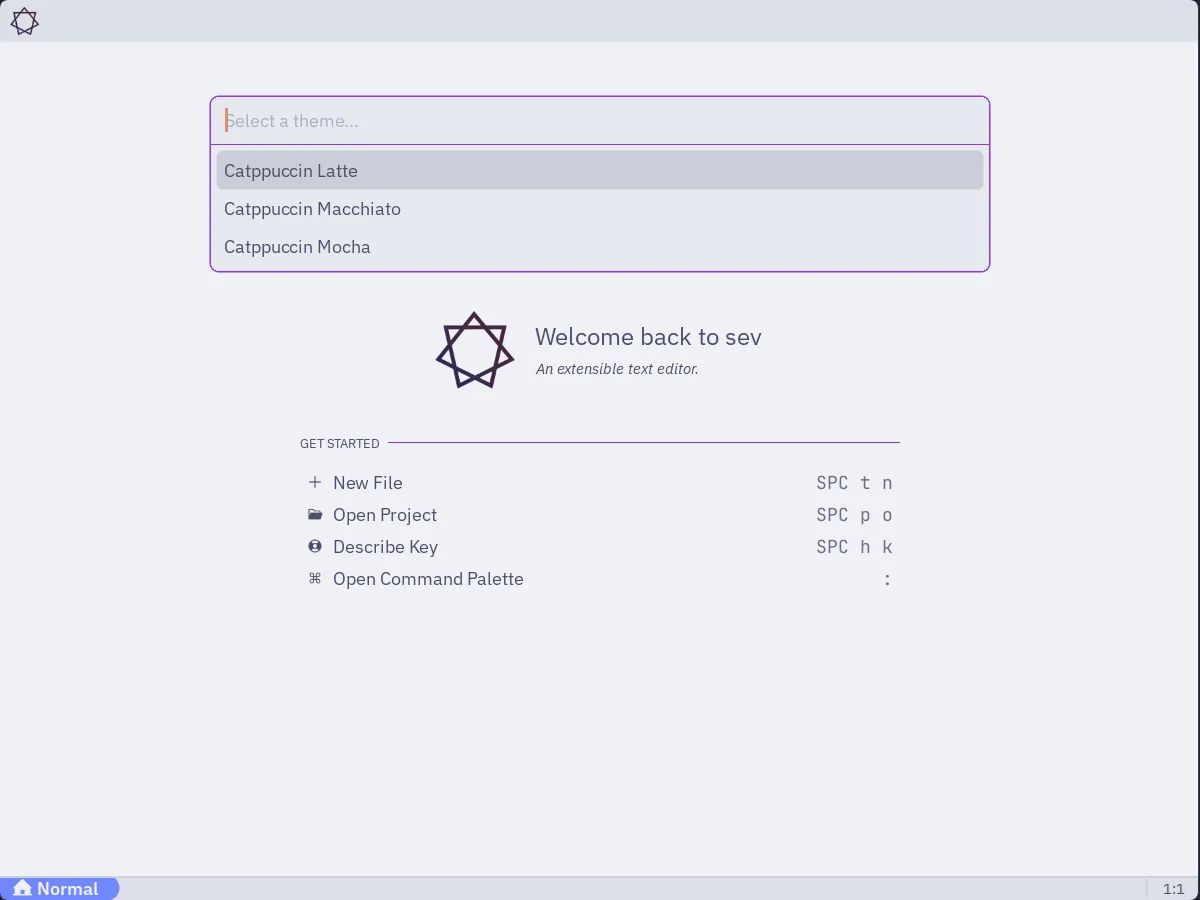
Built on the completions framework, with live hover previews of themes:
Keybind Completion Prompts
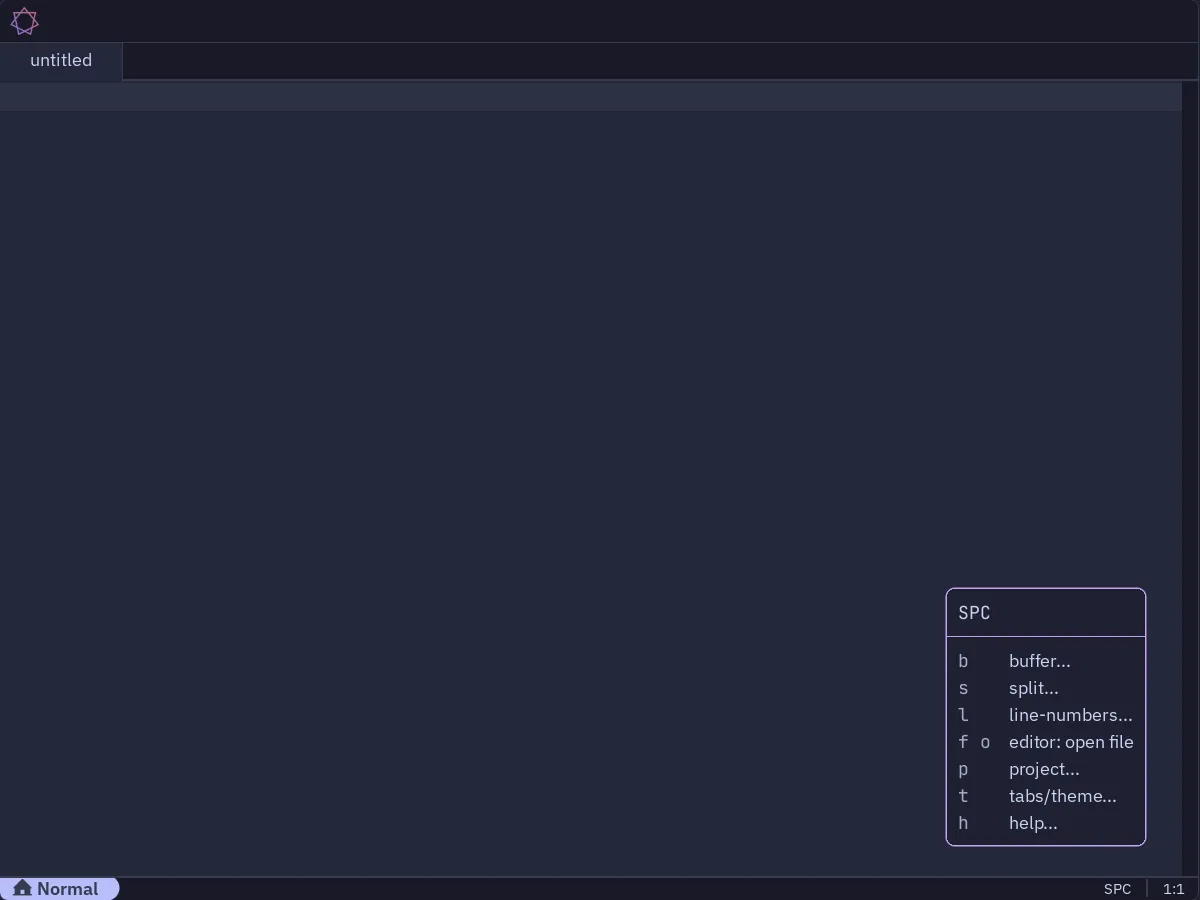
Also known as “which-key”, this feature is enabled by default and produces a floating window that prompts the user with possible keys they could press to complete a multi-key binding. Along with the command palette, describe-* functions and a planned offline documentation mode, this should help make Sev a highly intuitive, discoverable program for new users.
Tooltips
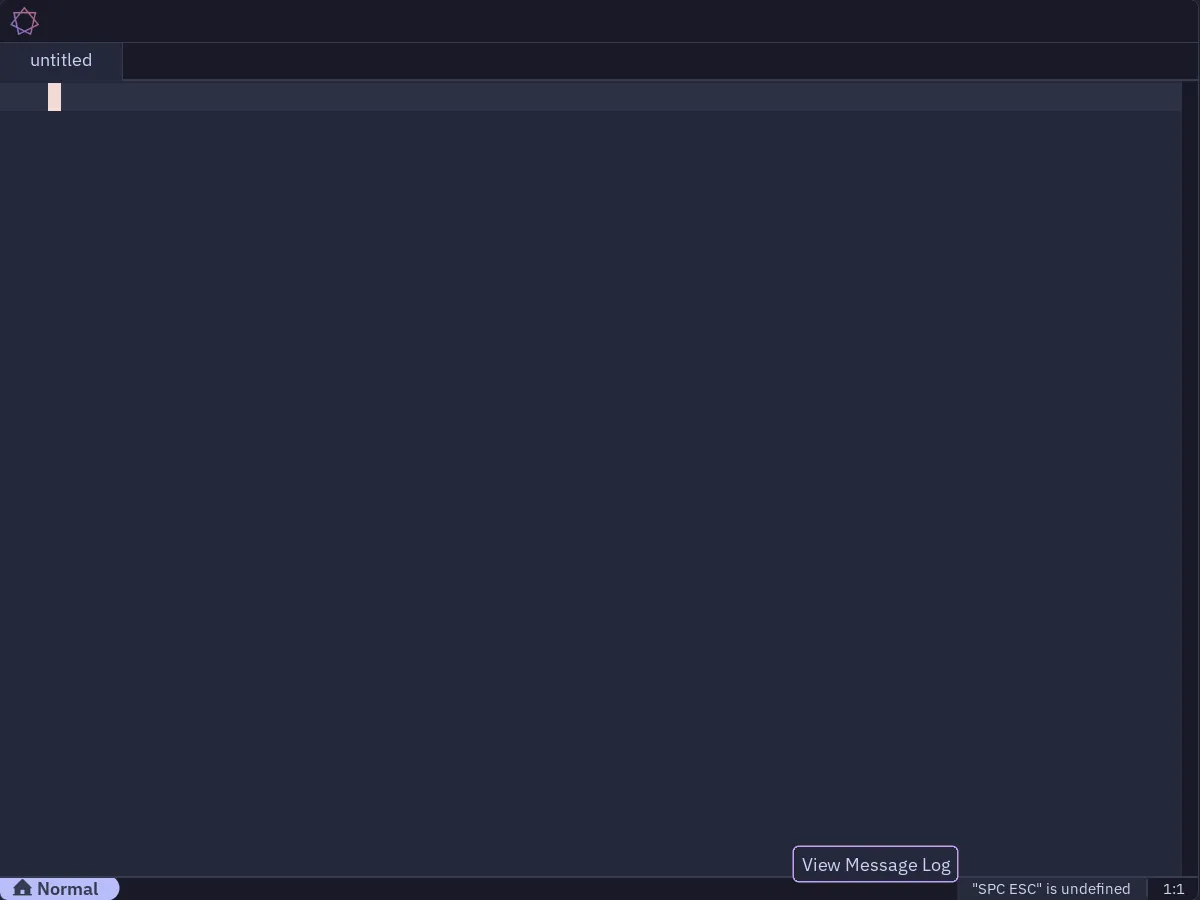
Hover tooltips implemented for various UI elements (tab names and close buttons, message area). The component is general enough to probably serve for LSP hover definitions later on.
Persistence Layer
Certain parts of app state are now serialized to/from on-disk JSON (state.json). This is currently used to track recent projects and command invocation history, and will enable future features like keeping frequently invoked commands at the top of the palette.
What’s next?
There have been many, many other small updates, bug fixes and refactors over the past two months. Although it looks like it’s coming together, there are still a lot of small features that make it hard to use Sev as a daily driver currently, and they’re the top priority going forward. Roughly:
- A file picker
- File search and replace
- LSP integration
- Offline documentation
Alongside that, I’d like to try and get people using and/or contributing to Sev. It’s already managed to pick up 19 GitHub stars as of writing this post, and I’d like to try and grow that, and start building a community around it. That’s going to involve tidying up the project repo and README, and making it more inviting to participate in.
← Back to blog